Your exchange history only shows what happened on that exchange. If you also swapped tokens from a wallet, bridged funds or earned staking rewards, the records you need for a tax report are scattered across several places. Crypto tax software can bring them together, but its reports depend on the transactions it imports and how it classifies them.
Awaken Tax, Summ, Koinly, CoinLedger and CoinTracker approach that work differently. This guide looks at their imports, DeFi features, portfolio views and reporting tools, then shows how to compare them using your own activity. Where you file matters, but first you need a history you can understand and verify.
What to look for in crypto tax software
Start by listing the exchanges, wallets, blockchains and types of activity you used. An app may connect to your main exchange yet miss an older wallet holding the original purchase record. Transfers, bridges, rewards and NFT trades deserve a closer look because the importer may split them into several entries or leave them unclassified.
A useful trial should show what was imported, which transactions need your attention and which report is available for your tax year and location. A free portfolio or gains preview does not necessarily include a downloadable report. This comparison draws on product documentation and the dapps.tools tool profiles reviewed in September 2026; we have not audited the five apps against the same portfolio.
1. Awaken Tax: follow the activity across your wallets
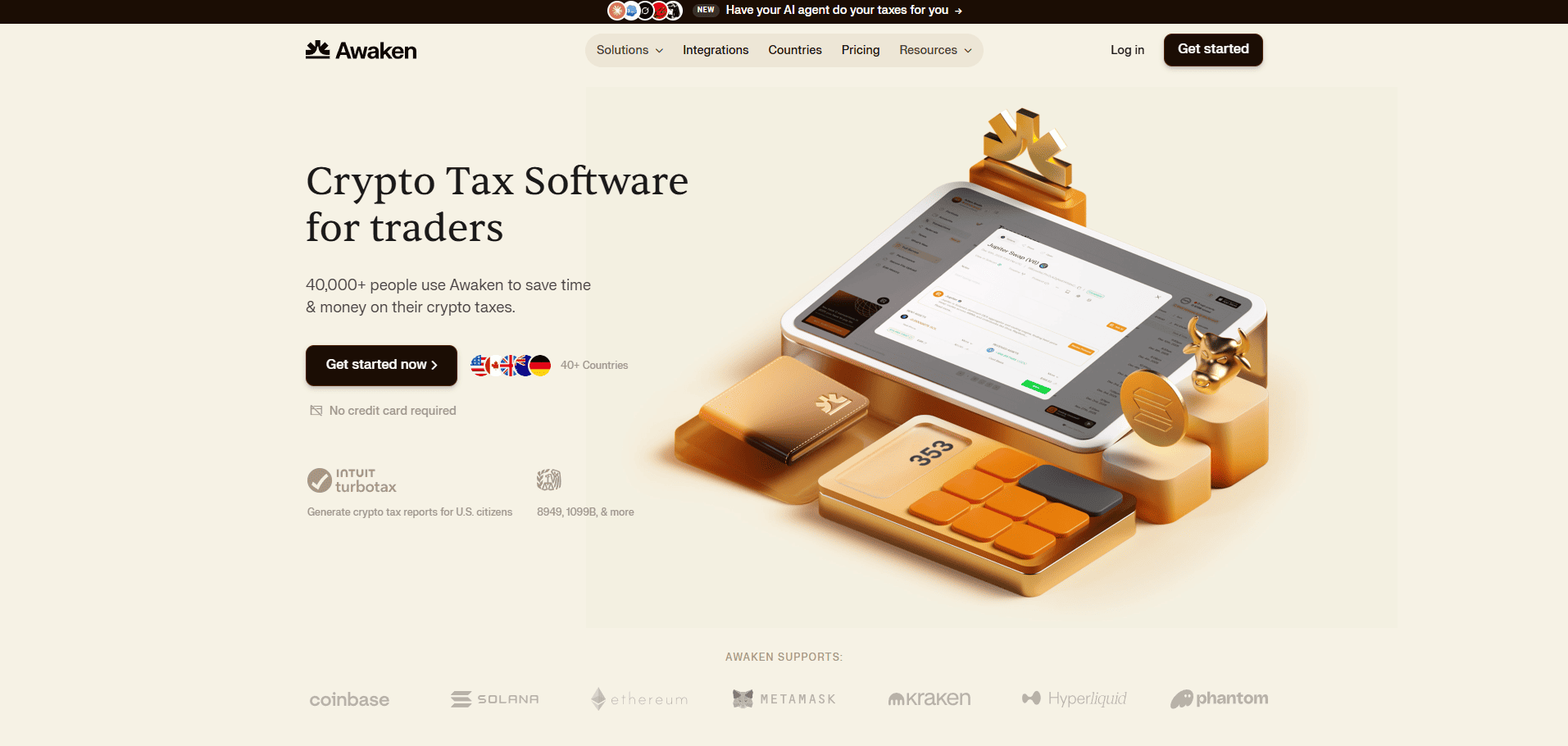
Awaken Tax starts with the transaction trail across wallets and exchanges. It imports Bitcoin, Ethereum and other supported EVM networks as well as Solana, and offers CSV uploads for sources without a direct connection. Its labels are built for activities such as staking, lending, liquidity pools, bridges and NFT trades, while the portfolio view lets you inspect holdings alongside the tax summary.
That combination is useful when an exchange statement tells only part of an asset’s journey. A bridge or a liquidity position, for instance, is easier to follow when you can see its related entries together. The free gains summary gives you a chance to inspect the imported history before buying a report; sources without direct support still call for a CSV and a careful review of the labels.
Awaken says its AI helps interpret onchain activity such as liquidity provision, staking and bridging. It also offers an optional connection for external AI agents through a skill or MCP server. Depending on the access you grant, an agent can inspect transactions, identify missing purchase costs and help with classifications or reports. API access is included with the Dolphin and Whale plans, and read-only access is available. Review the agent’s suggestions against your own records before using them.
Awaken’s free Minnow plan covers up to 100 transactions and a gains preview, but no tax report export. Its first report-capable plan, Fish, starts at $99 USD per year for up to 300 transactions. The AI-agent API mentioned above is included only from Dolphin, which starts at $199 USD per year.
2. Summ: work through transactions that need attention
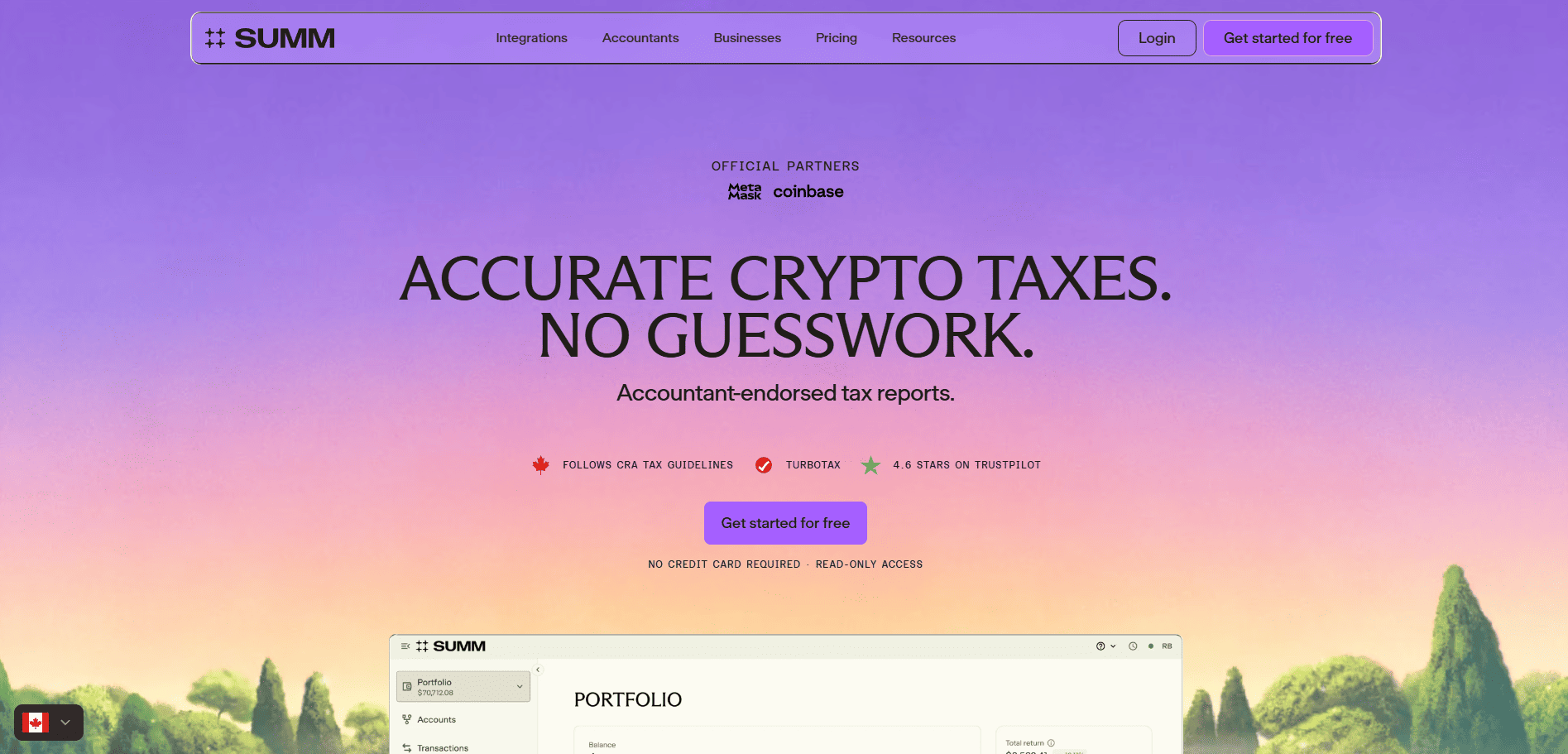
Summ, formerly Crypto Tax Calculator, combines exchange, wallet and onchain imports, with a custom CSV route when a source is missing. Its review workflow surfaces uncategorized transactions, missing prices and missing purchase history. You can open the underlying entries and correct them before generating a report, which matters when the same asset has moved across several accounts.
A missing purchase history warning is especially consequential: Summ cannot reconstruct the original acquisition from a later transfer alone. The dedicated Review page requires a paid plan, although free users can still address warnings on the Transactions page. For a history involving rewards or DeFi positions, the quality of those classifications matters as much as the number of supported connections.
Summ is free to try without a credit card: you can import and categorize transactions, but report downloads require a paid plan. The Rookie plan starts at $49 USD per year for up to 100 transactions; its annual subscription covers reports for earlier tax years too.
3. Koinly: connect many accounts and inspect the export
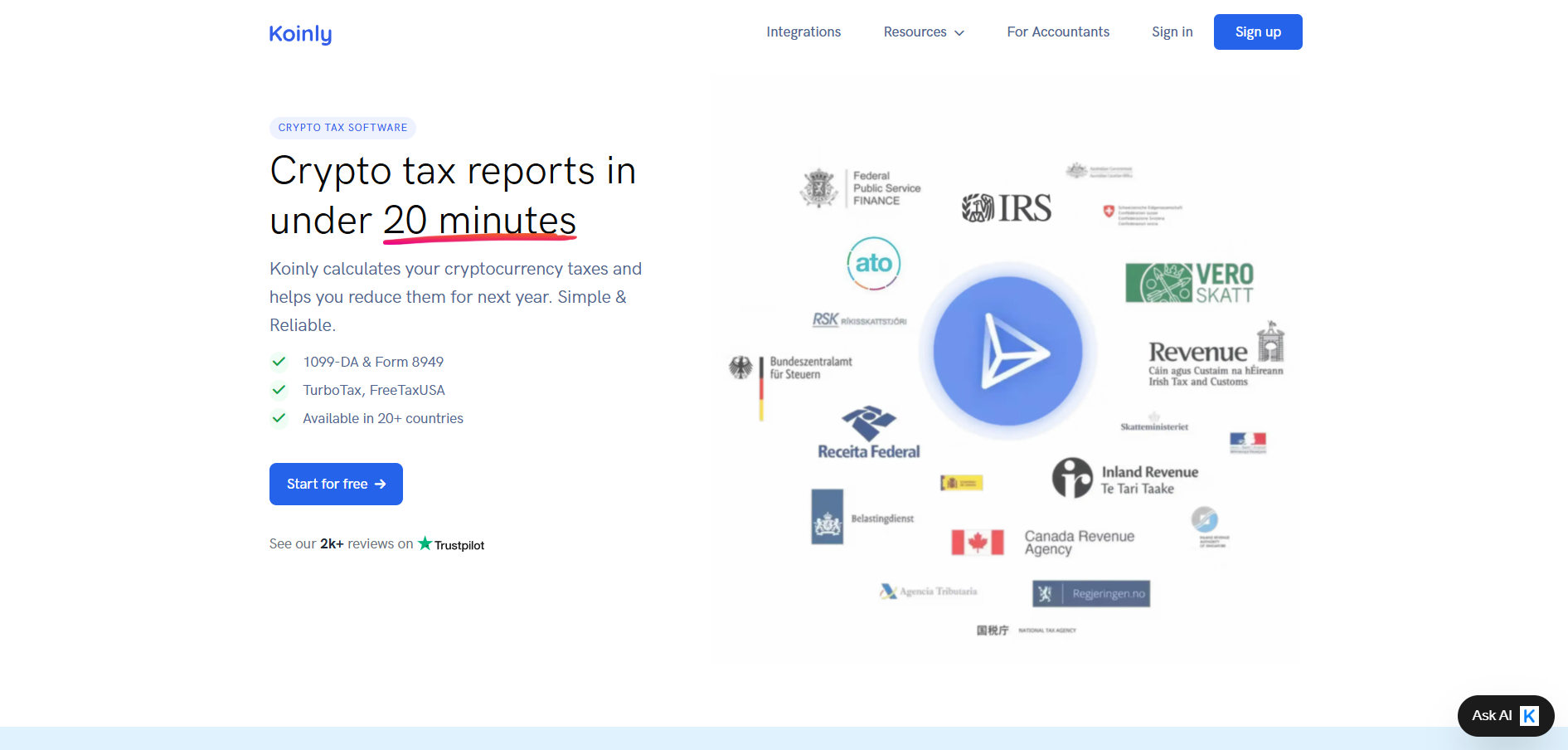
Koinly connects to many exchanges and wallets, matches transfers between your accounts and offers reports ranging from transaction summaries to country-specific forms. Its report list includes US Form 8949, Canada Schedule 3 and a France 2086 export. That distinction is useful if you already know which records a filing service or professional expects.
Importing and examining transactions is possible before buying a tax-year report. Koinly’s range of integrations is convenient for a history spread across several accounts, but a missing sync or an unmatched transfer can still change the figures. Its plan also depends on transaction counts, which can include older history. The listed form is useful only once the underlying records have been checked.
Koinly offers an ongoing free trial for up to 10,000 imported transactions, with gains previews but no report downloads. Its Newbie plan starts at $49 USD per tax year for up to 100 transactions. Check the account-wide transaction limit before choosing a tier.
4. CoinLedger: trace missing acquisition costs
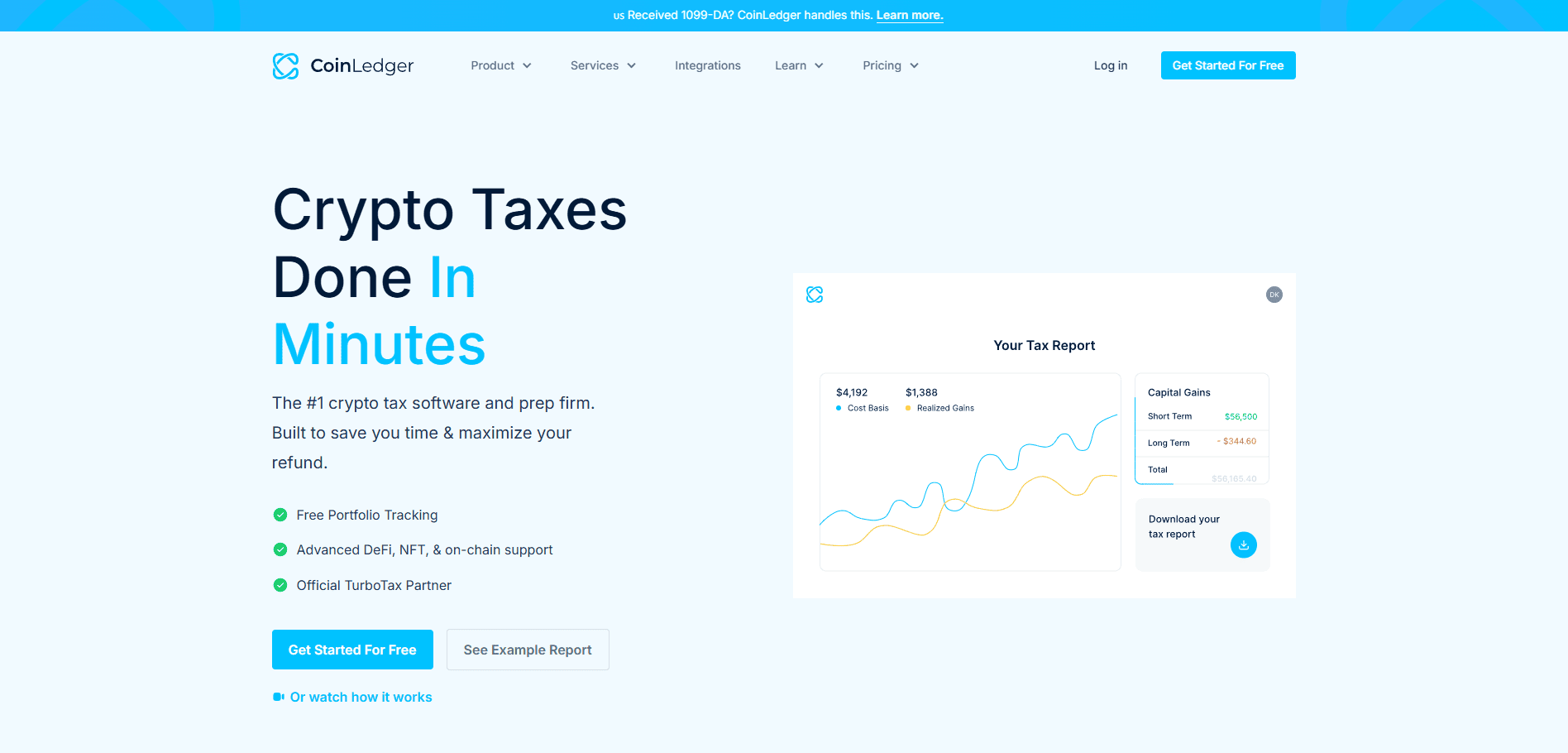
CoinLedger brings wallet and exchange data into a portfolio view and a tax report preview. It supports DeFi and NFT activity, and flags missing acquisition costs when the earlier purchase or transfer has not been imported. This makes an incomplete history easier to spot before you download an export.
Those warnings can lead you back to an older exchange account or wallet that holds the missing purchase record. CoinLedger also labels some unsupported protocol activity as uncategorized, leaving it for you to classify before it enters the report calculation. It offers filing exports and documents a Canadian workflow; the format and paid transaction tier still depend on the report you need.
CoinLedger lets you import records, track your portfolio and preview a report for free. A downloadable report starts at $49 USD as a one-time purchase for one tax year, covering up to 100 transactions; additional years or more transactions require the appropriate purchase.
5. CoinTracker: keep portfolio and tax records together
CoinTracker pairs ongoing holdings and portfolio monitoring with tax calculations. Its DeFi categorization guide describes automatic labels on supported EVM networks and Solana, plus ways to correct a category manually. Someone who checks balances throughout the year may find that combined view useful.
For supported activity, automatic labels can save time when many onchain transactions pass through the same portfolio. The chain and protocol still determine what CoinTracker recognizes, so unfamiliar events may need manual correction. Tax reports require a paid plan, and the available forms vary by location even when the app can calculate figures for other jurisdictions.
CoinTracker’s free plan includes basic portfolio tracking and a tax summary, without downloadable filing forms. Its Base plan starts at $59 USD per year for up to 100 transactions; higher transaction volumes require another tier.
Choose by where you file
Country matters when you select settings and an export, but it should not replace the import test. Products may calculate gains for many jurisdictions while offering different downloadable forms. The United States, Canada and France illustrate the distinction; readers elsewhere should check their own country, tax year, currency and report format directly with the provider.
United States: compare any Form 8949 and Schedule D output with the rest of your records. The IRS explains Form 1099-DA; a broker's reported proceeds do not by themselves reconstruct purchases made in another account.
Canada: check the available CAD figures and Schedule 3 workflow. The CRA's crypto guide explains why the nature of the activity matters; a software default cannot determine your circumstances.
France: check whether the product prepares data suitable for formulaire 2086 where applicable. A generic gains summary is not automatically the same document.
We are not accountants or tax advisers. These product descriptions are for comparison, not guidance on which transactions are taxable, which calculation method to choose or how to complete a return. Check the rules that apply to you with the relevant tax authority or a qualified professional, particularly if your situation spans countries or business activity.
Feature comparison: what changes between tools
Use this table to see how each app handles the same parts of the job. Features can vary by network, protocol and plan, so check the details with your own transactions.
Feature | Awaken Tax | Summ | Koinly | CoinLedger | CoinTracker |
|---|---|---|---|---|---|
Onchain activity | DeFi, bridges, NFTs; AI-assisted labels | DeFi imports; classification warnings | Wallet sync; transfer matching | DeFi and NFTs; unknown events need labels | Automatic labels on supported EVM chains and Solana |
Finding gaps | Editable labels; missing-basis review | Review page on paid plans; free warnings | Sync and transfer checks | Missing-basis and uncategorized warnings | Manual corrections for unsupported activity |
Portfolio view | Holdings including DeFi positions and NFTs | Holdings and performance | Balances and performance dashboard | Holdings and acquisition costs | Holdings alongside tax calculations |
Before downloading a report | Free gains summary; paid export | Free transaction warnings; paid detailed reports | Free import review; paid country reports | Free report preview; paid export | Portfolio access; paid tax reports |
Free access or trial | Free plan, 100 transactions | Free trial, no card | Ongoing free trial, up to 10,000 transactions | Free import and report preview | Free portfolio and tax summary |
Paid reports from (USD) | $99/year; 300 transactions | $49/year; 100 transactions | $49/tax year; 100 transactions | $49/tax year; 100 transactions | $59/year; 100 transactions |
Countries / jurisdictions claimed | 55+ | 200+ | 100+ | 40+ | 100+ |
Prices are the standard entry plans shown in USD in September 2026, before promotions. Country counts come from the providers and may cover calculations without a dedicated local form; confirm the report for your own location and tax year.
Run the same five checks in every app
Gather the full history. List exchanges, wallet addresses, older accounts and records showing how assets were acquired.
Import a meaningful sample. Include a trade, a transfer between your own wallets and any bridge, reward or NFT activity you actually had.
Investigate warnings. Compare missing prices, purchase costs, duplicate entries and categories with the source records; keep track of manual edits.
Open the report preview. Verify the supported tax year, jurisdiction, currency and exact downloadable format with the provider.
Compare the real cost. Check the applicable transaction tier, paid report access and any extra years you need.
Try the same difficult records in two plausible tools. The clearer, more complete history will tell you more than a feature count—and any unexplained figures deserve another look before you use the report.
Final thoughts
Awaken’s onchain workflow and optional AI agent, Summ’s transaction review, Koinly’s local reports, CoinLedger’s missing-basis warnings and CoinTracker’s portfolio tools offer different starting points. The most useful choice is the one that lets you trace the important figures back to your own records and obtain the report you need. Keep those records and your manual corrections alongside the export.